
VINELink Covers Franklin County Custody
Franklin County runs on two custody systems, and VINE covers both. The Circuit Court Clerk's Tennessee SAVIN page describes the statewide network. It tracks people held in county jails. The page points visitors to VINELink or the toll-free line at 1-888-868-4631. The sheriff posts a "Notify Me" link to the same service. That makes VINE the natural route for county-jail custody alerts.
There is a second layer. The Tennessee Department of Correction also uses VINE for state offenders. One interface, two custody pools. A county result means the local jail. A TDOC result means state custody or supervision. Someone arrested in Franklin County can appear in one layer and not the other. Most county bookings never become state-prison admissions. A sentenced person may also leave the county jail for TDOC.
VINELink is free, and searches stay anonymous. The service exists for safety and status notification.
Check a Franklin Arrest on VINELink
Enter just enough detail to identify the person. Keep real names out of screenshots, and never share a registration PIN.
- Open VINELink and choose Tennessee.
- Select the relevant custody search and enter the name or offender ID, if known.
- Review multiple matches by name, age, facility, or identifier without relying on a photo alone.
- Open the likely record and note its reported custody status and facility.
- If the arrest is brand new and no result appears, try the sheriff lookup or call 931-962-0123.
- Use the court clerk, not VINE, to learn how the charge was resolved.
Tullahoma needs extra care. The city straddles Franklin and Coffee counties. Confirm the holding county before you search. A Tullahoma Police arrest may sit outside Franklin County even with the right city name. Winchester and Decherd keep their police records at the municipal agencies. County custody records stay with the sheriff. The Franklin County arrest source overview separates the incident report, booking record, VINE alert, and court disposition.
Franklin VINELink Result Fields
Results vary by agency and record. Every Franklin County response looks a little different. Treat these fields as things to watch for, not a promise that a single result displays them all.
| Field | What it can mean |
|---|---|
| Name | The spelling attached to the custody record |
| Offender ID | An identifier that helps separate similar names |
| Custody status | The system’s current reported state |
| Facility | The jail or institution supplying the record |
| Agency or jurisdiction | The county or state custody layer |
| Alert options | Available methods for status-change notice |
Check the status label against the timestamp shown with it. Release and transfer details often lag behind reality. A custody change on VINE can stem from many things. Bond, a completed sentence, a transfer, a court order, or a simple data correction will each flip the status. If the reason for a release matters to you, call the facility holding the record. A no-result search can also mean several things. Intake may still be in progress. A name may be spelled differently in the record. The person may have been cited and released instead of jailed. Custody might also sit with another county, TDOC, BOP, or ICE. Juvenile or protected cases stay out of ordinary public results.
Register for Franklin Custody Alerts
Tennessee's VINE materials cover phone, text, email, in-app, and TTY alerts. Phone registration needs a four-digit PIN. One account can hold several phone numbers and email addresses, and unanswered calls keep trying for at least 24 hours until the PIN is entered. TTY service is listed at 1-866-847-1298.
- Open the correct person’s custody record and choose the registration option.
- Select phone, text, email, app, or an available accessibility channel.
- Enter contact details directly in VINELink or through the official phone service.
- Create and save the four-digit PIN used to confirm a phone notice.
- Review the chosen event types, such as release or transfer.
- Update contact information if a number or email changes.
The VINELink site presents the official search and registration area without any private person's information.
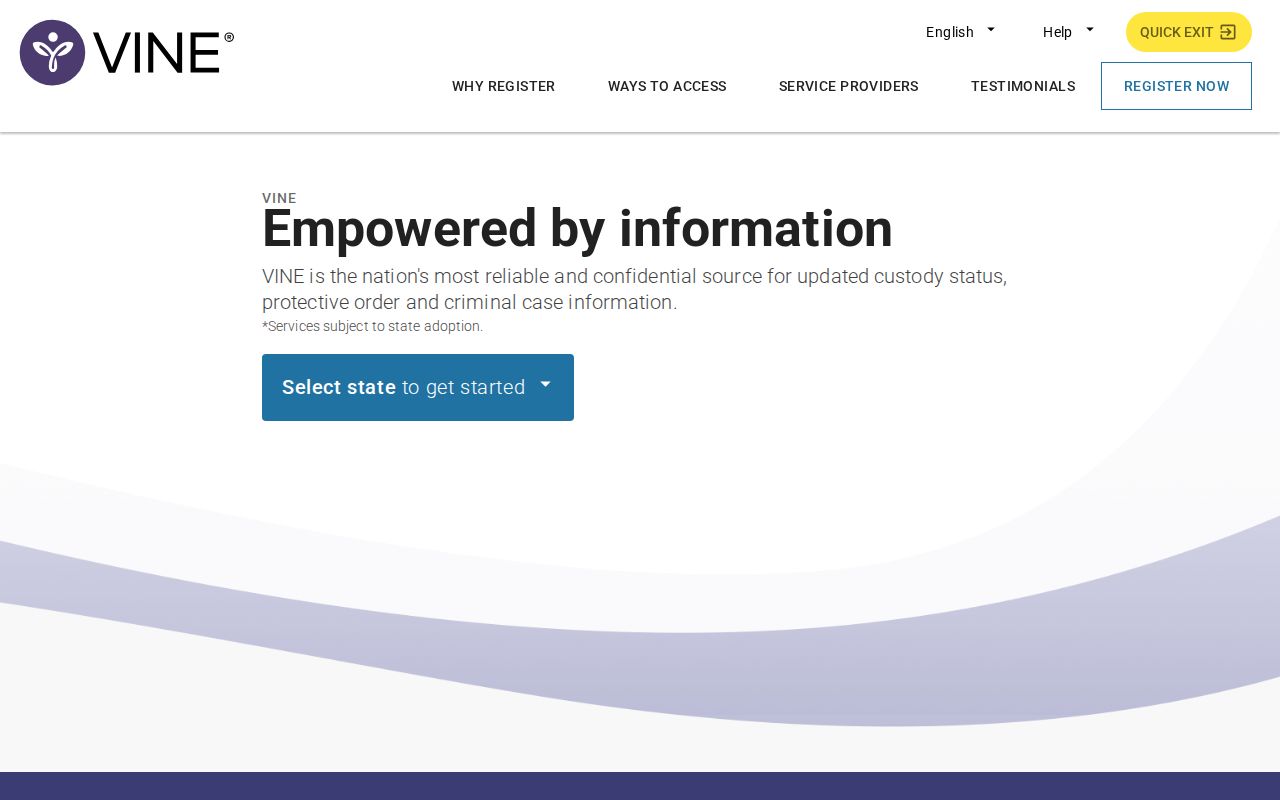
It suits a named-person custody check, not a browse through a gallery of Franklin County bookings. The Tennessee Sheriffs Association instructions walk through PIN use and the alert channels.
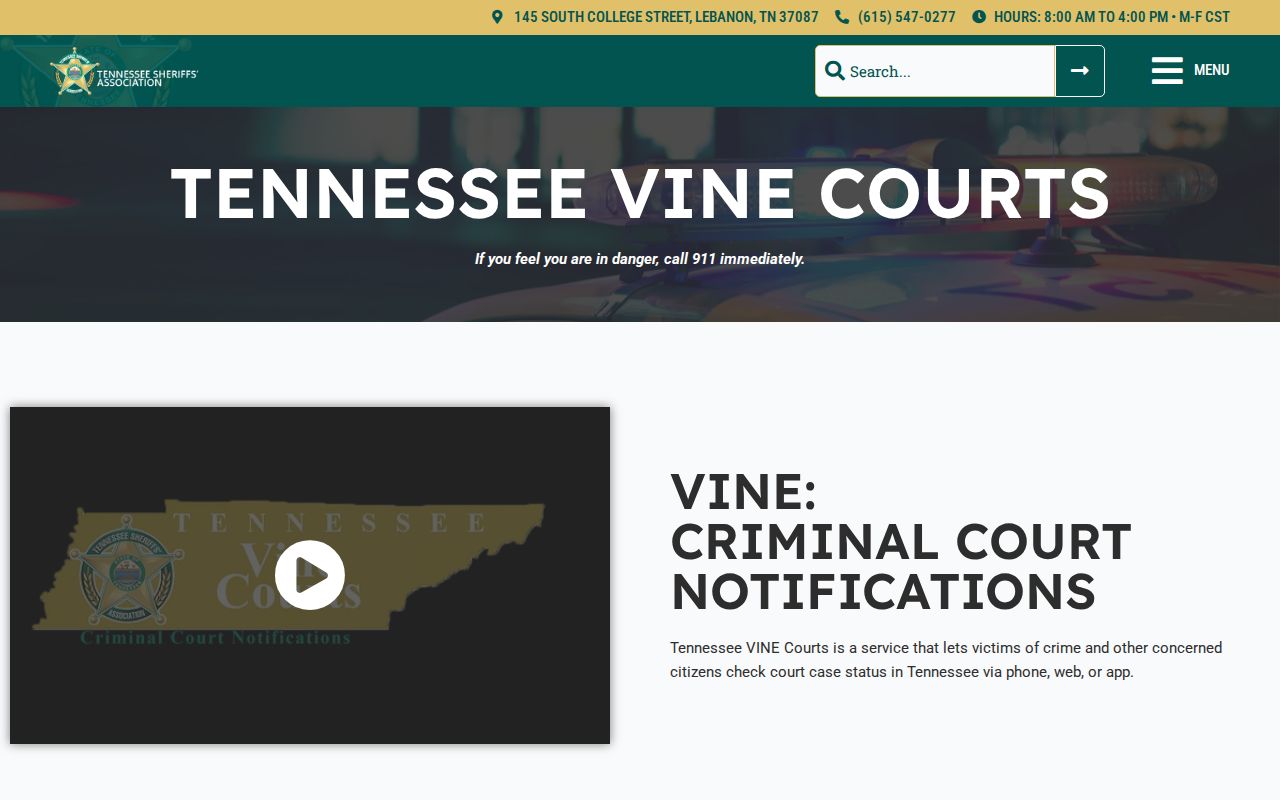
Keep the PIN private, stored away from notes anyone could see. You will need it to confirm phone alerts about a Franklin County custody change.
County VINE Versus TDOC VINE
The county and state alert systems sound alike, but they track separate groups. Franklin County SAVIN watches the local jail. TDOC's VINE service tracks state offenders. Someone arrested in Franklin County may be held in the county jail. That person may carry no TDOC record at all. The reverse happens too. After a sentence sends a person to state custody, the county's current roster can drop the name even though the arrest started there.
| Source | Custody layer | Best use |
|---|---|---|
| Franklin sheriff lookup | County jail | Current inmate search by last name |
| Tennessee SAVIN/VINELink | County and participating state records | Status check and change alerts |
| TDOC FOIL | State corrections | State status, sentence data, photo when available |
| Court clerk | Judicial record | Dockets, filings, and disposition |
TDOC asks searchers to pick Tennessee first. From there, you look up an offender by name or ID number. The phone line, 1-888-868-4631, runs day and night for both systems. Still, a county booking never becomes a state-prison record just because you searched. Check the facility and agency fields each time.
Franklin VINELink Limits
Tennessee SAVIN leaves federal custody out of the picture. It does not reach Bureau of Prisons inmates. It does not cover ICE detainees either. The BOP runs its own inmate locator, and ICE offers a separate Online Detainee Locator, neither of which is a photo gallery. A Franklin County arrest alone says nothing about federal involvement, so read no immigration status or detainer into a county booking.
VINELink can lag behind a fresh booking in Franklin County. For a same-day arrest, call the jail and check the sheriff roster before trusting a missing result.
The same-day arrest route walks through the official lookup and the phone option. It also covers how arrest, booking, and publication times differ. Alerts are not records. An alert confirms only that a custody status changed somewhere in the system. MobilePatrol and agency social posts sometimes carry announcements. Neither serves as a full Franklin County booking ledger. For an actual booking entry or photo, send a narrow request to the sheriff. For outcomes, use the Franklin County Circuit Court Clerk. General Sessions and Circuit dockets are only calendars, and TNCIS itself warns that its online data is not the official legal record.
Verify a Franklin Release Alert
A release alert tells you the system reported a custody change. That is all it tells you. It will not spell out every condition attached to a release. A transfer alert works the same way. It means the person moved within the custody system, not that a court finished the case. Save the alert. Note its time. Then verify with the facility whenever personal safety or a legal process rides on current status. Skip reading a final outcome into either message. VINE marks a status change, nothing more.
Note: Keep contact information current, hold onto the private PIN, and confirm urgent status with the Franklin County Sheriff's Office.